I got a cool trick for you.
You can just paste an HTML email into Gmail.
So let’s say you’re using (the very nice) MJML language to create an nice responsive cross-client-compatible email on CodePen. Like this one.

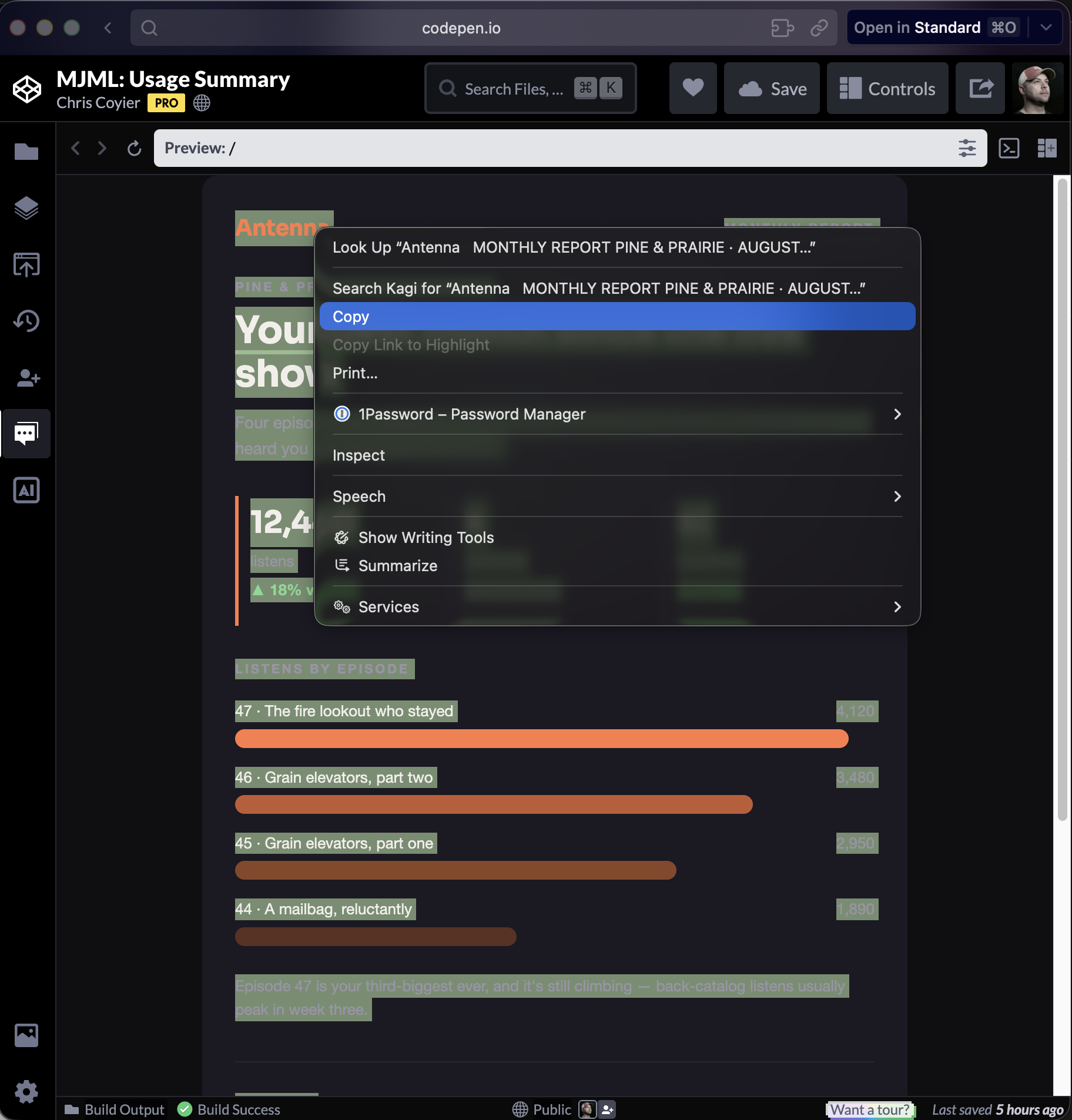
You can just select all that nice visual output and Copy it.
Then in Gmail, make a new email.
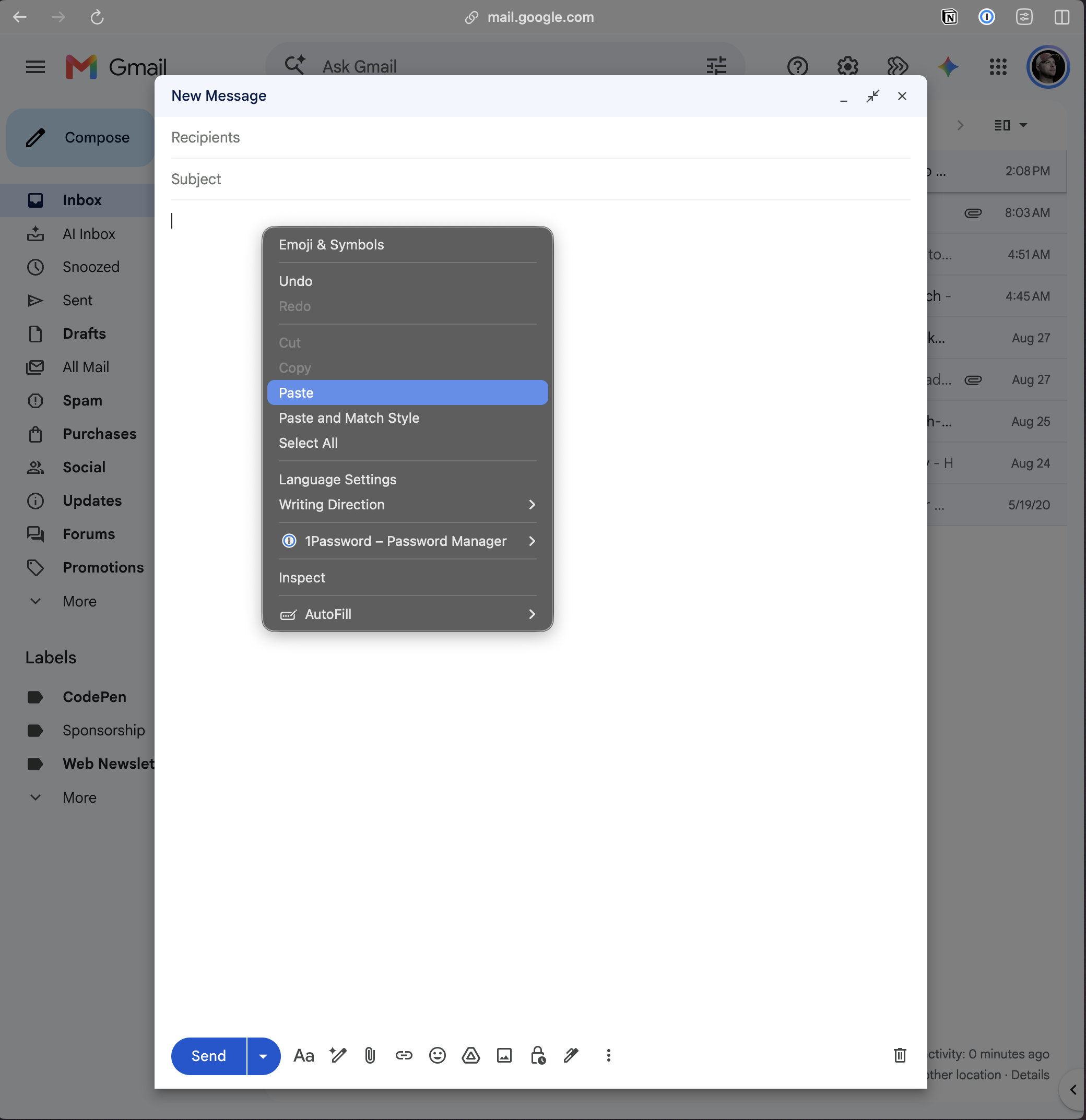
Then you can Paste. And kapow, it’s in there ready to send.

I’m not 100% sure what kinda magic that all does, but it seems to work pretty well. It’s probably not a perfect replication of the HTML you created, but if it works it works.
Generally though, if you’re sending HTML email, you’re using some kind of service to do it.
For example, MailChimp let’s you do it if you’re on their Starter plan or higher. In that case, you’re going to need the final HTML output (which, perhaps, MJML is creating for you). CodePen 2.0 allows you to see the Build Output easily on any Pen, so you can get it from there.
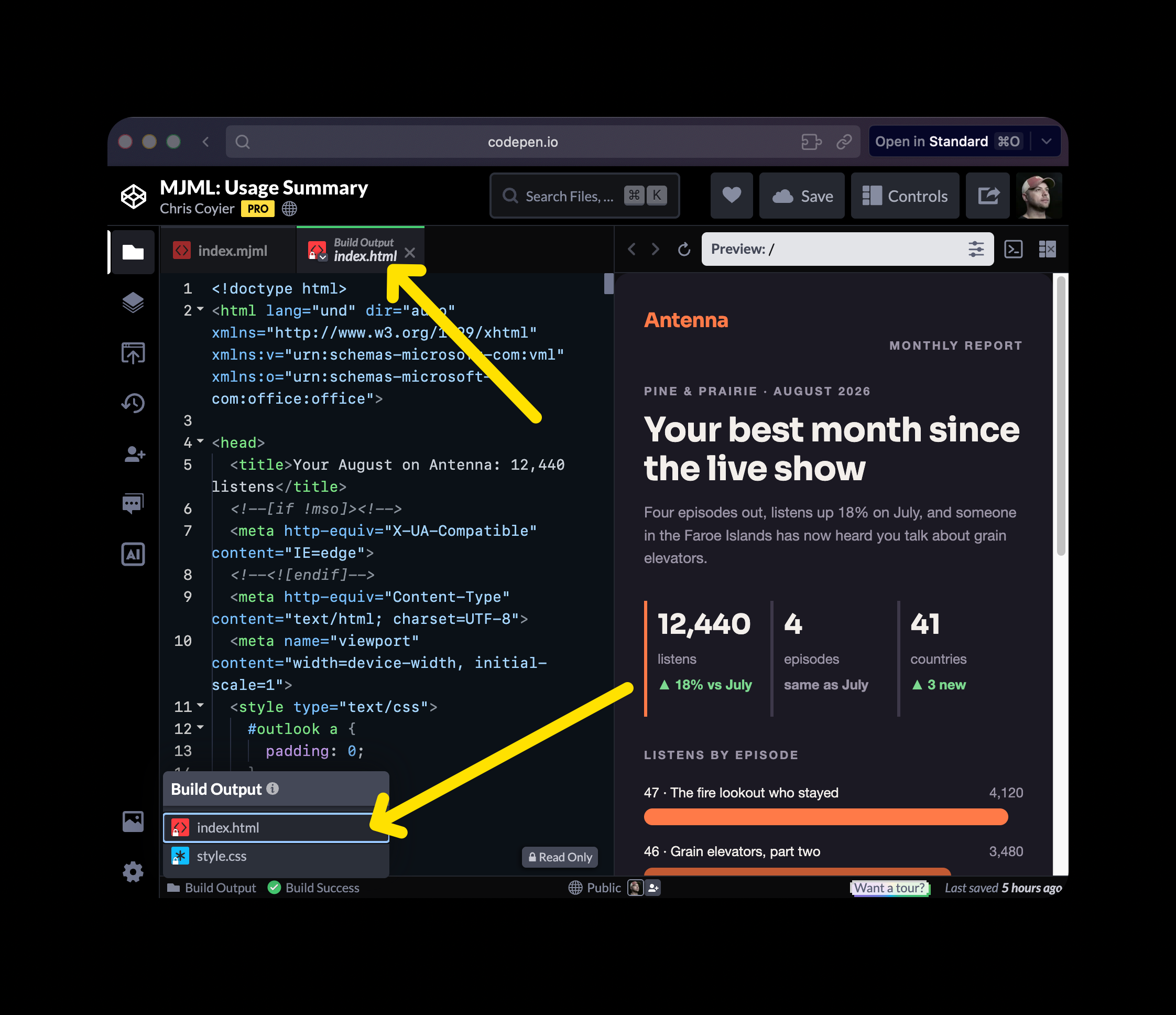
Copy and paste to your hearts content.
At CodePen, we use a tool called Postmark for sending some of our email. In there, we can “code our own” (and use no “layout”).

This gives us total control over how we’re sending HTML email.
One of my favorite uses of HTML email is using HTML very lightly. Just to limit line length and do other basic nice typography, and have actual links and buttons. This template should do you nicely.
Video version: