If you sense a joyous exhale, that’s Team CodePen in crossing this launch milestone for the most ambitious professional project any of us has ever achieved. Today, we declare CodePen 2.0 officially launched. We do it, naturally, for you, as we set out to rebuild our online editor to better support what today’s developers want and expect. We did it in a way that makes this single editor forever extendable in its capabilities, so we can evolve with new technology.
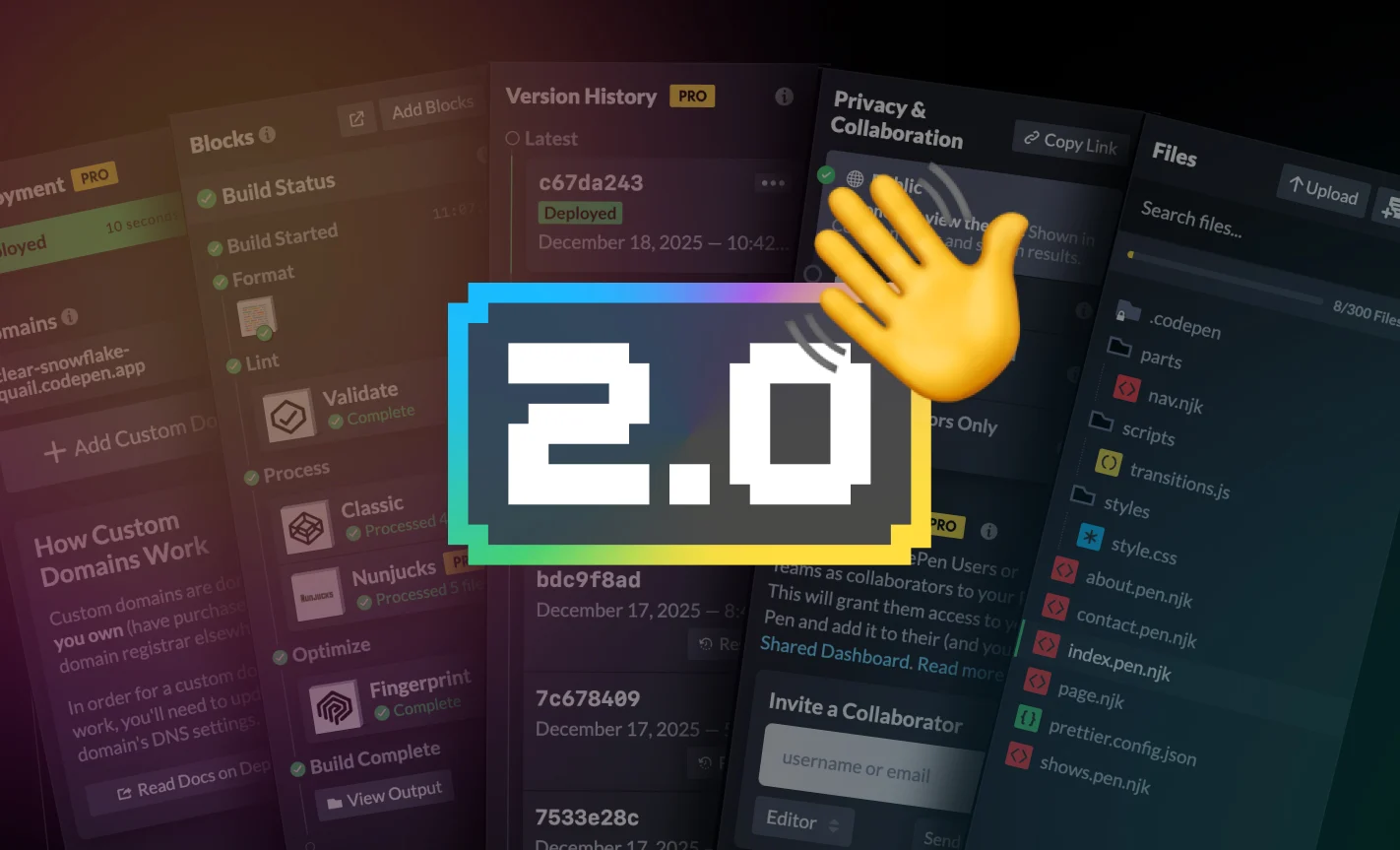
What Can It Do?
A short answer is that it can do anything that the Classic Pen and Project editors could do, and more1, combined into one editor. Even the Vue-specific editor is wholly supported by the 2.0 editor, upgrading to a modern Vite build. This means you write code and immediately see the results; the core CodePen experience. Save the Pen, share it, reference it, embed it… anything you’d do before.
The complete list of new things that the 2.0 editor can do is as long as my arm. Here’s a taste of some big ones:
- Every Pen is deployable. With one click, you get a
*.codepen.appsubdomain website of your Pen. Update it anytime with another click, or set it to deploy on save. Easily point your DNS to it, and CodePen is now your web host for your own domains. - Every Pen has a file system. Like Projects did, only this is a much-improved true file system with a completely custom new UI designed for a smooth experience. You don’t have to use it, but it’s always there if you need it. Anything from just an extra HTML, CSS, or JavaScript file or three, to a fully blown mega multi-page website.
- Every Pen has a version system. Make a mistake? You can roll back in time to any place you know the Pen was in a state you want it to be in.
- Invite anyone, anytime. You can invite anybody (CodePen users by username, or anyone by any email) as either an editor or viewer of a Pen. An editor will have write access to the Pen at any time, so you can work together. If you happen to be there at the same time, it all happens in real time.
- Combine technologies as you please. This is the big idea with Blocks. Stack them up! Don’t worry about how to wire things up together. The CodePen Compiler handles that for you.
- The screen reader accessibility of the editor has been vastly improved.
The complete list of new features is much longer, but those are some biggies!
Podcasts
At one point, we literally stopped CodePen Radio, because 2.0 wasn’t out yet, and we didn’t wanna talk too much about it publicly. All we did internally was work on 2.0, so we didn’t have that much to talk about. That Hiatus started in February 2023, and we didn’t bring it back until about a year ago, when 2.0 stuff was gelling, we were close to an alpha, and things were easier to talk about.
Now, we’ve got a bunch of podcasts that dig into 2.0 and its specific features.
The Past
As I said, the CodePen 2.0 project has been worked on for years and years and years. I thought I’d dig up some early artifacts of our thinking, planning, and playing just for fun.


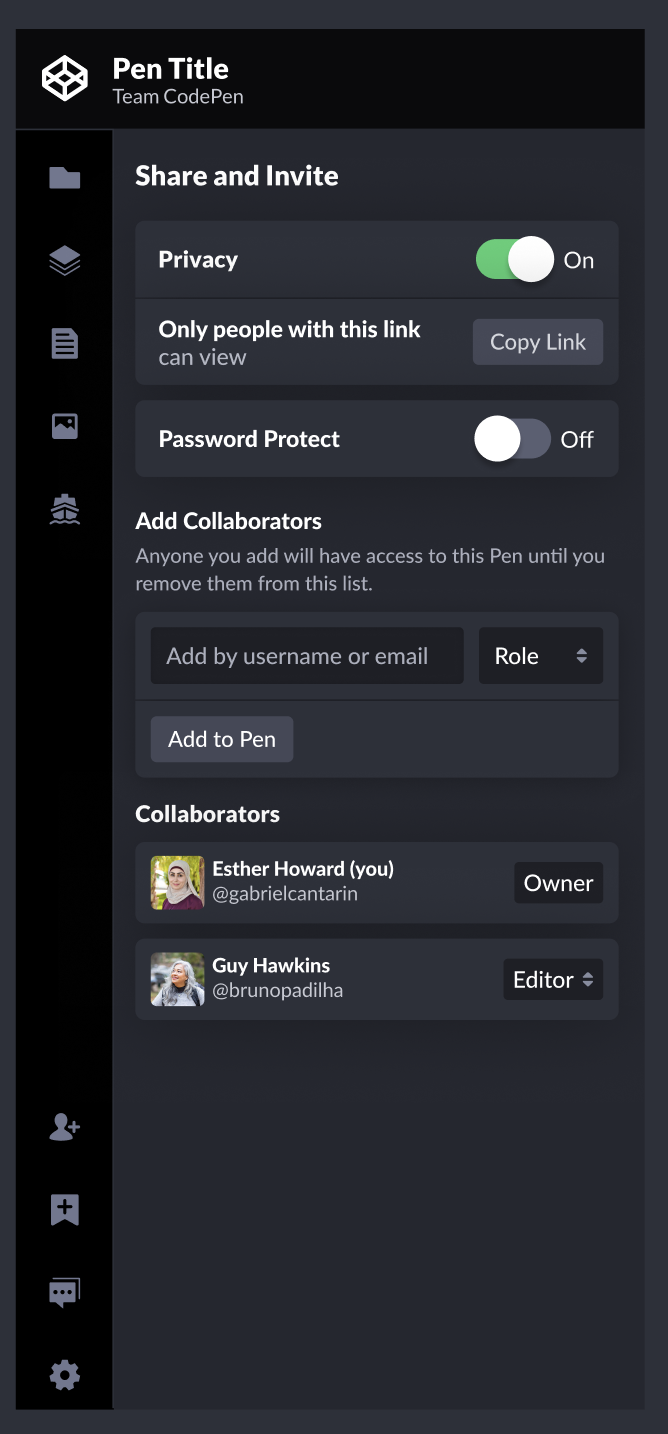
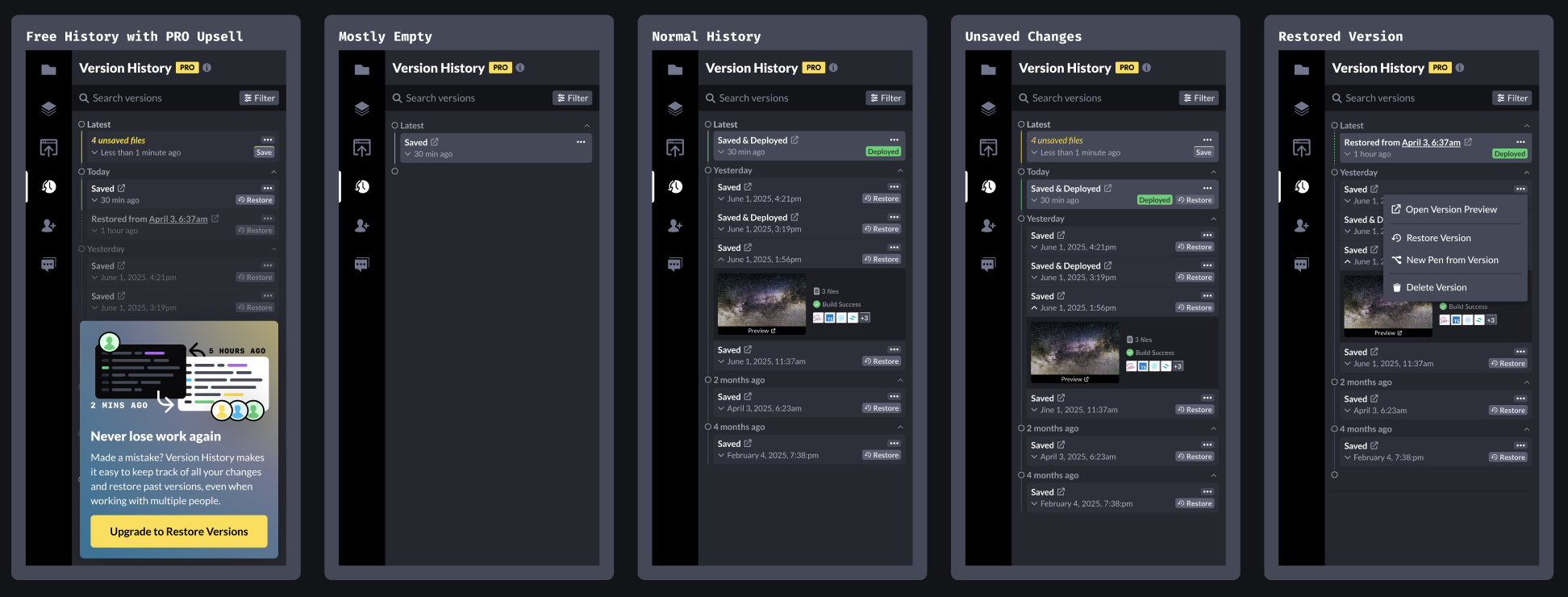
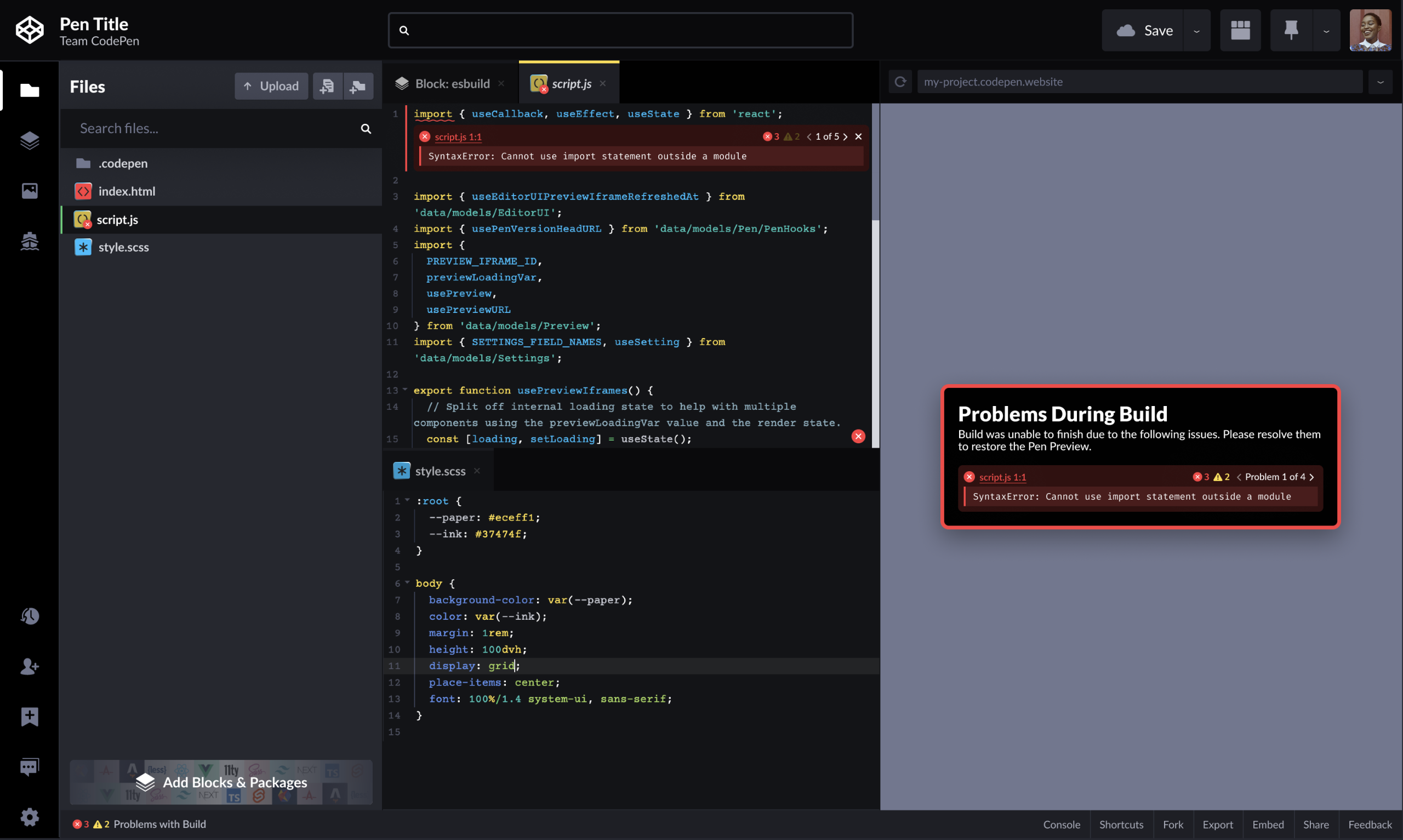
Much of the editor’s new functionality occurs in those Panels along the left. You can see on our new homepage that we showcase five of them as vertical slices of video that can move independently. Those vertical videos showcase the features fairly nicely:
The Future
Hey, where’s the AI?
Fair question, fictitious and kind reader of my mind. We know some of you don’t care about AI, and others care very much. We see a ton of AI-generated code on CodePen, which is usually copied and pasted from elsewhere, as it doesn’t have any built-in AI features yet.
We are experimenting. We’ve got ideas. We need to do things carefully.
What’s going to happen with the Classic Editor?
Not much, for now! You can still access and use it normally at https://codepen.io/pen. You may not see an obvious link in the sidebar (and other places) anymore, because we’ve launched and that’s what we want to point people toward. But it’s there if you need it.
Perhaps, some future day, with warning, we’ll convert all Pens to 2.0. After all, part of our goal here is to consolidate on a single editor so we can focus our entire attention on constantly improving it.
If 2.0 is all about extensibility, where are all the new processors?
There are some there already. The Tailwind, Lightning CSS, and MJML Blocks are new. Vue as processed by Vite, and without using a special single-component editor, is new. Nunjucks for Pens is new. But of course, we’ll be adding many more now that we’ve gotten through launch. Got some you’d like to see? Let us know.
A Little How-To on Replicating the Classic Experience
If you’re really familiar with the Classic Editor and you’re having that “can it just stay the way it was?” feeling, know that you can have that while using 2.0. Here’s how:
- Use the Classic Block. This means you can write “just the part that goes into the
<body>” like the Classic Editor, and the scripts/styles get connected automatically. See the config at/.codepen/classic.config.jsonto see those and other classic settings. Here’s a template, which you could set to be your default template. - Use Minimal UI. This closes the far-left sidebar and panels area, most of which represent 2.0 functionality. There is a toggle under the Controls menu, it’s findable in the Omnibar, or use ⌘-U on Mac or Control-U on PC.
By doing this, you get an editor that is actually a bit faster, is more accessible, and has capabilities to grow in case you need it.
- The small footnote to “anything” is that there are some deprecated processors, which were a choice made entirely because of extremely low usage. ↩︎