You can kinda smell a vibe-coded app these days. TypingSVG has that odor, but like… in a good way? An app like this absolutely should exist. Someone needed it, and how instead of it just being some little tool they’ve tucked away for themselves or thrown away, they tossed it up on some inexpensive hosting and now we all have it.
I give it some text and a variety of options and it produces an SVG file with a typing animation on it. Like this:

This animated SVG will work even as an <img>, which might be news to some. They’ll let you hotlink the image (so it works with query params, essentially), but I’ve uploaded it to our own site for longevity.
Why does it look vibe-coded? Involvement of purple. Vercel subdomain. Random dark mode for no particular reason. Very simple componentry with box shadows around everything. I suspect this look will just be a funny blip in time, as I’m already noticing a new fancier aesthetic emerge from Claude Code that uses their Front-end Design Skill that involves kinda classy all-caps headers and footers with more exotic font choices.
OK I guess we’re doing SVG now, so here we go.
I don’t know if Stroke is vibe-coded, but maybe! There is one where you draw (kinda begs for a signature), and then it animates where you just drew (drawed?).
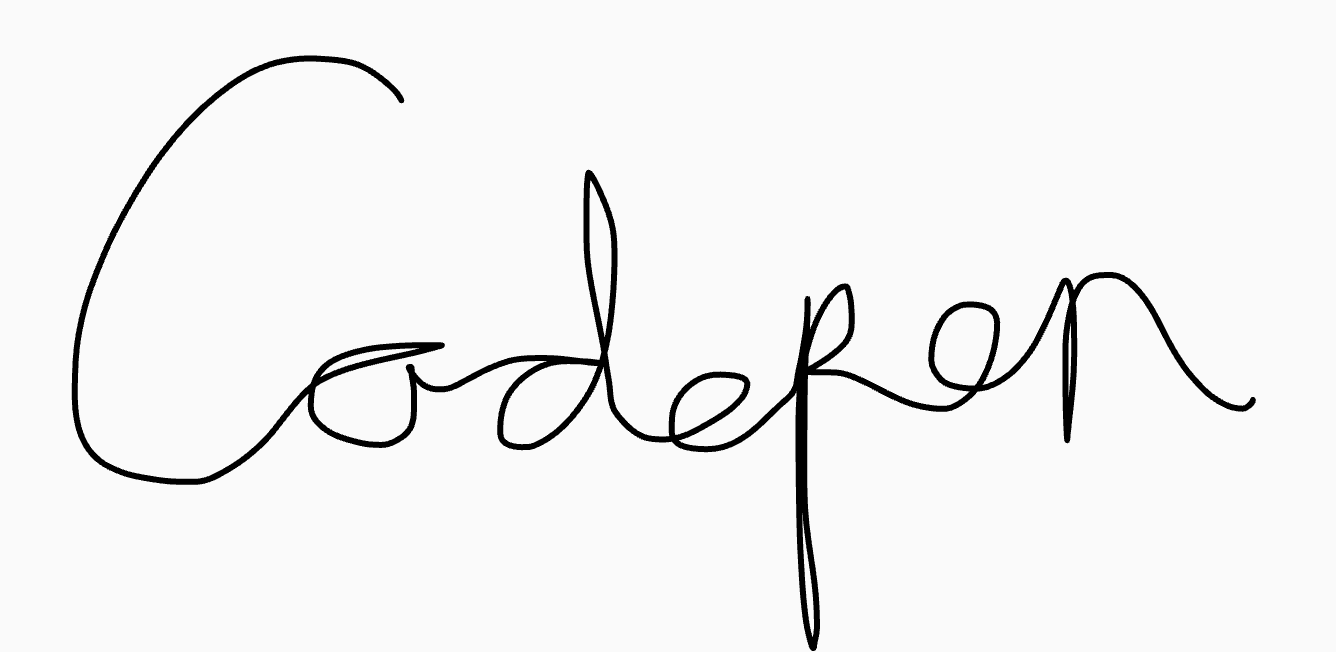
I’m not embedding this one as animated because it actually gives you a React component with a pretty hefty dependency (Motion). It’s a neat tool, but I find that a bummer, as I don’t think React or Motion is required for this to work, and it would be a lot more usable with some simple built-in styles or a web component with props to control it.
SVG Doodles: “Browse a curated collection of free, customizable SVG doodles and icons to use in your websites, apps, slides, and prints.”

You can almost use the straight-up SVG syntax directly in CSS (like as a background-image), which is very satisfying. You do have to URL encode a handful of characters. You aren’t gonna get syntax highlighting though. I’d have a stronger urge for CSS to make this even nicer, but shape() quells my desires since it’s so good at doing its own thing. David Bushell has a nice SVG Optimization and Accessibility Basics guide.
Poor SVG. It’s old technology that hardly ever changes, yet for as much as people find new cool uses for it, people also still find security vulnerabilities with it. This one is about clickjacking, which is basically half social engineering, that is, placing stuff on the page that tricks you into interacting with it.
I’ll leave you with Fotis Papadogeorgopoulos’ @svg-use, which I haven’t tried yet, but it’s a way to lean into SVG’s <use> element. I can say that there are a ton of pro’s and con’s to all the ways to display SVG. I too was enamored with <use> for a while as it seems like it can be so efficient in so many ways. It can be, but the downsides are real, like the lack of stylability and the inability to load from a third-party domain. But this tool is deeply in JavaScript, which I imagine can take a stab at solving both.