I’ve had View Transitions on the mind a little bit after experimenting with using them to move the focus ring around the page. I found that pretty satisfying, except the part where I was binding events to the tab key myself and keeping track of “focusable” elements. I know better, as that kind of thing is always best left to the browser. I was just checking whether it was possible to animate that focus style from place to place, since it wasn’t really “the same” element (and arguably not an element at all). It is totally possible.
But then I’m glad Kilian Valkhof chimed in with his CSS-only floating focus with anchor positioning, which pulls it off without needing any JavaScript at all. I guess I still proved it can be done with View Transitions, but certainly Kilian’s demo is much cleaner. Jealous! I should have thought of that.
In my own last demo, I noticed something about the CSS styles I was playing with to control the animations.
/* movement */
::view-transition-group(focus-ring) {
}

/* resizing */
::view-transition-old(focus-ring),
::view-transition-new(focus-ring) {
}Code language: CSS (css)
I put those comment labels there, as I happen to notice that if you changed the animation-duration on them to exaggerate things, it seemed the view-transition-group was in charge of the moving and the other two were in charge of the morphing of one shape to another. I honestly don’t even get it. I emailed Cyd to see if she can explain it haha, we’ll see if we get that blog post someday.
I do know that you can see the pseduo element tree of View Transitions stuff in the DOM (via Chrome DevTools) as the animations happen.
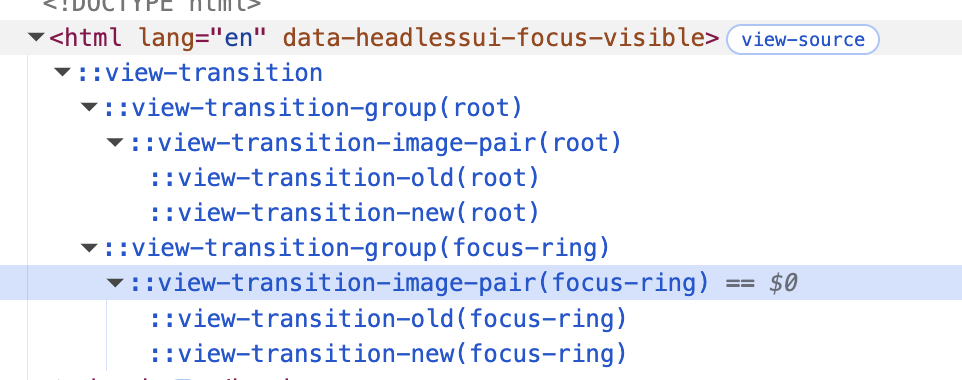
That’s nice, as you can click on them and see what’s what.
But notice how they are all children of the <html> element?
Well, ultimately, that’s because we call document.startViewTransition(). Document. That’s <html>. That’s required for now, but is a proposal to be able to call startViewTransition from other elements, meaning it would be “scoped” down to that element. This allows, for one thing, multiple View Transitions to run at once, which is impossible right now. It’s was ready for testing last September, and now has shipped to stable Chrome as of 147.
The part I like the most about scoped view transitions is that that psuedo element tree we looked at above is placed within the element you call it on, and that element might have something like overflow: hidden on it, and it will actually be respected, as Bramus’ demo clearly demonstrates. It’s nice to be able to experiment and understand how these things work. Thanks, CodePen.
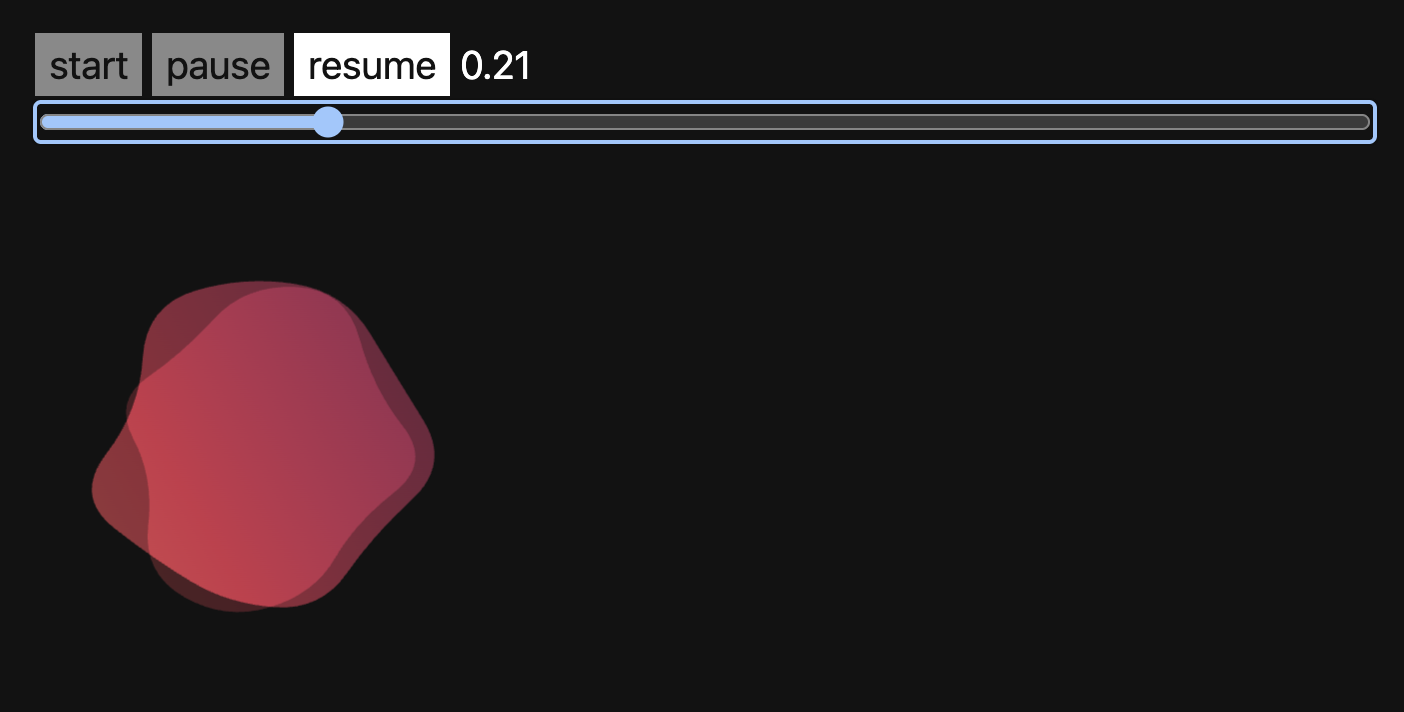
Speaking of Bramus, he’s got a View Transitions Toolkit he’s put out. I haven’t played with it yet, but it looks like it’s got some real practical goodies like detecting support and dealing with the fallback structure and auto-naming functions. But the feature I’d probably use the most is the ability to scrub through the animations. I gave it a shot and found it a little complex to set up, relying on some fairly complex helper functions that aren’t a part of the package itself, but I did get a demo working.
Let me leave you with Some practical examples of view transitions to elevate your UI — a great article by Declan Chidlow showcasing some extremely practical uses of View Transitions you may not have thought of. Animating the re-sorting of a table is pretty cool, as is animating the progress bar of a multi-step form.